
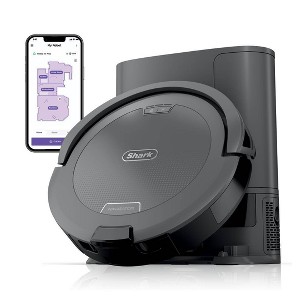
Shark Navigator Cordless Robot Vacuum RV2120AE Gray
$249.99 reg $449.99
Sale save $200.00 (44% off)
In Stock
Eligible for registries and wish lists
At a glance
About this item
Additional product information and recommendations
Discover more options
- $179.99 - $189.99reg $729.00 Sale4.3 out of 5 stars with 42 ratings
- $248.70 - $269.99reg $829.00 - $899.00 Sale5 out of 5 stars with 18 ratings
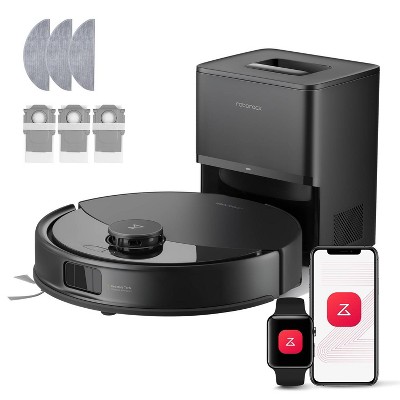
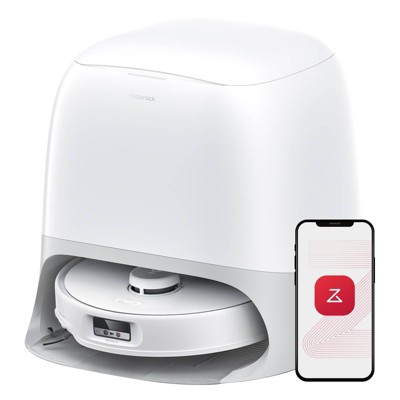
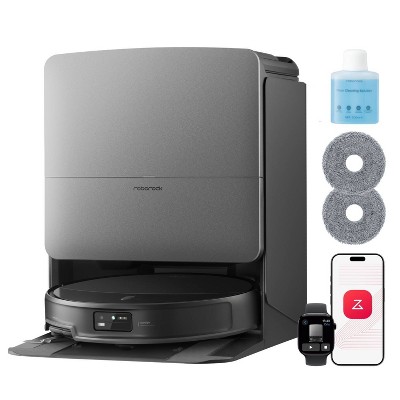
Frequently bought together
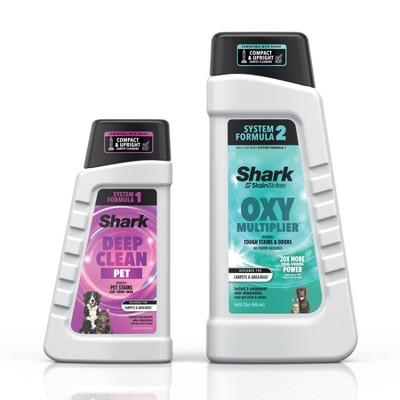
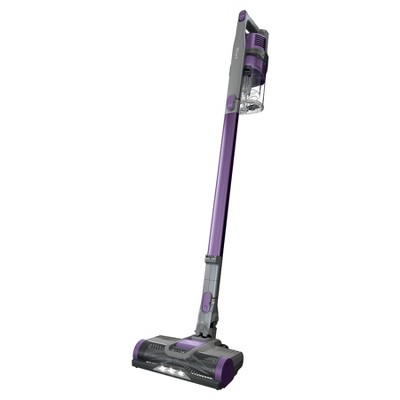
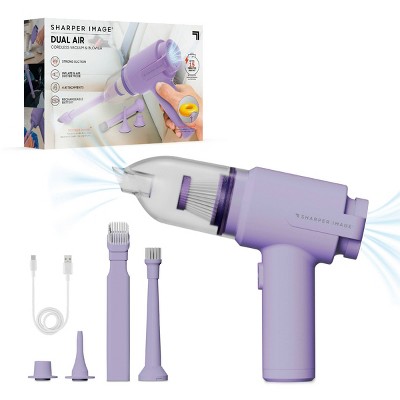
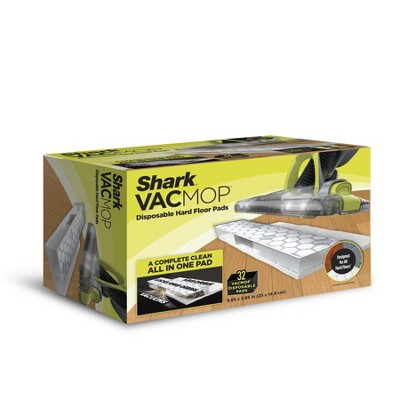
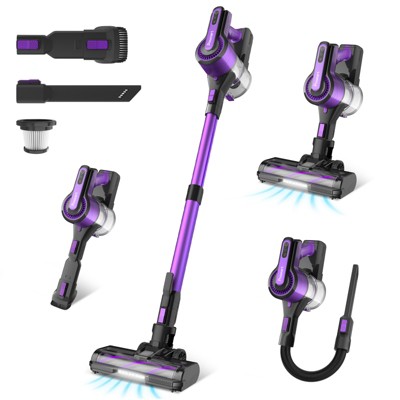
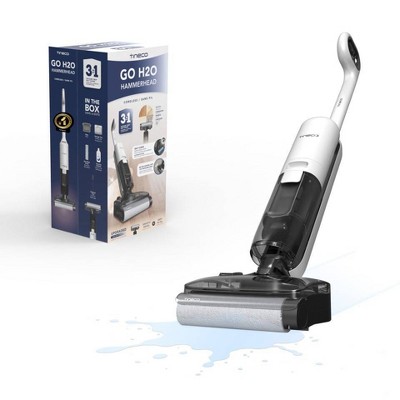
Guests also viewed
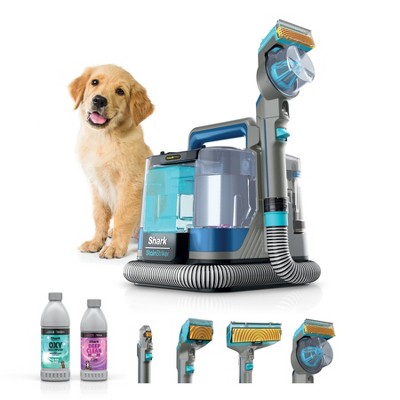
Related Categories
Guests are saying
The Shark Navigator Robot Vacuum offers impressive cleaning capabilities with its self-emptying base, making it a convenient choice for busy households. Guests appreciate its ability to navigate various floor types and its strong suction power, especially for pet hair. While some users have experienced issues with battery life and navigation, many find it a valuable tool that significantly reduces their cleaning workload. Overall, it is a solid investment for maintaining a clean home effortlessly.
Summary created by AI from text of reviews reflecting recent feedback provided across different star ratings (includes incentivized reviews)
4.2 out of 5 stars with 107 reviews
56% would recommend
30 recommendations
1 out of 5 stars
4 May, 2026
originally posted on sharkninja.com

Dense carpet consider another model
Does not work on dense carpeting. Have tried it on max 2 days in a row and still needed to vacuum with my Shark upright. Very disappointed
1 reply from SharkNinja team - 11 days ago
Hi there, Thank you for taking the time to share this feedback with us. We understand how disappointing it is that your Shark Navigator Robot hasn’t been able to keep up with dense carpeting, even when used on the max setting, and that you still needed to rely on your upright vacuum. If you’d like us to take a closer look or explore possible options, please feel free to reach out to us through the link below so we can assist you further. https://support.sharkninja.com/contact-us Kind regards, Shark Home
5 out of 5 stars
1 May, 2026Verified purchase
(no review title)
Definitely has helped me with maintenance of my huskies hair
5 out of 5 stars
30 April, 2026
originally posted on sharkninja.com
Saves me so so much time!
I’ve been using this in my personal training studio for about a month now and it does an amazing job! I have tried another brand and it constantly got stuck on stuff and never for the job done. My shark leaves my gym spotless and never had any issues.
5 out of 5 stars
13 April, 2026
originally posted on sharkninja.com
Sharkbait
1 received this Shark just three weeks ago. It's better than the Shark we had from 2019. This one is the best, it knows my house better than the other one. For the price, you can't beat it.
1 out of 5 stars
Thumbs down graphic, would not recommend
27 March, 2026Verified purchase
It wont last long
I had bought this item late November and set it up in December. It has constantly gotten stuck on just flooring (no items in the way or carpet), it will stop, it won’t suck in the dirt all the way and it just stops mid cleaning. I don’t recommend this item at all. I wasn’t able to return it either after only 3 months of working. I would put it on the dock and it won’t charge. I also rebooted the item and it still won’t allow me to reconnect.
1 reply from SharkNinja Product Expert team - 2 months ago
Hello Jessica, Thank you for sharing your review. We're devastated to hear about your challenges with your Shark Robot Vacuum. We understand how frustrating it is when your vacuum constantly gets stuck, has low suction performance, stops mid-cleaning, and has difficulties charging on the dock. This isn’t the experience we want for you, and we encourage you to contact us at 1-855-427-5127. We're available Monday through Friday from 9:00 a.m. to 9:00 p.m. ET, and Saturday from 9:00 a.m. to 6:00 p.m. ET. Kind regards, Shark Home
1 out of 5 stars
Thumbs down graphic, would not recommend
27 March, 2026Verified purchase
(no review title)
Can no longer find dock
1 reply from SharkNinja Product Expert team - 2 months ago
Hello Jay, Thank you for sharing your review. We're truly sorry to hear that you're experiencing challenges with your Shark Robot Vacuum. We understand how disappointing it is when your vacuum can’t locate the dock, and we’re here to help get things back on track. We do encourage you to contact us at 1-855-427-5127. We're available Monday through Friday from 9:00 a.m. to 9:00 p.m. ET, and Saturday from 9:00 a.m. to 6:00 p.m. ET. We'll ensure you do have a fully functional vacuum to complete your cleaning needs. Kind regards, Shark Home
1 out of 5 stars
27 March, 2026Verified purchase
(no review title)
The battery does not last. We just bought a few weeks ago, so it's not like it's old or anything ... such a bummer
1 reply from SharkNinja Product Expert team - 2 months ago
Hello there, Thank you for sharing your experience with us. We understand how disappointing it must be to have the battery drain so quickly, especially since you’ve only had the robot for a few weeks. This isn’t the performance we want for our customers. For reference, this robot is designed to run a typical cleaning cycle of about an hour. The exact runtime can vary depending on the cleaning mode you select and the types of floors in your home, but it should not be shutting down significantly sooner than that. We’d really like to take a closer look at what’s happening to make sure your unit is working exactly as it should. Please feel free to give us a call at 1‑888‑228‑5531, where one of our robot product specialists can assist you directly. We're available Monday–Friday, 9 a.m.–9 p.m. ET, and Saturday, 9 a.m.–6 p.m. ET. Kind regards, Shark Home
5 out of 5 stars
24 March, 2026
originally posted on sharkninja.com
cleans great
This is our 2nd Shark Robot, cleans great and we are pleased with the speed of the unit.
5 out of 5 stars
23 March, 2026
originally posted on sharkninja.com
We love Clean Elizabeth
I absolutely love our Shark Ninja. We have it set to go daily at 8:15am and it has really been so helpful with picking up all the dog hair and extra dust around the house that me or my husband can’t get to every day. We use the large vacuum only once a week now. We love our Clean Elizabeth!!!!!
3 out of 5 stars
Thumbs down graphic, would not recommend
19 March, 2026Verified purchase
Louder than expected
I bought this as a gift for a family member. They like it. It cleans the various flooring types well. I specifically purchased this because it has a bagless bin. However, I don't like how loud it is compared to other vacs I've owned personally. When it returns to the base to dump, the volume reaches the level of a regular full-sized vacuum. If buying a robo vac as a gift again, I wouldn't repurchase this one.
1 reply from SharkNinja Product Expert team - 2 months ago
Hi there, Thank you for your feedback. We’re disappointed to hear that the noise level and overall experience with your Navigator Robot didn’t meet your expectations, especially when you were hoping for something quieter and more convenient to use. We understand how frustrating it can be when a product performs well in some areas but falls short in others, and we truly appreciate you sharing these details with us. We’ll make sure your feedback is relayed to our internal team as we continue working to improve our products, and we hope you’ll consider us again in the future so we can restore your confidence in our brand. Kind Regards, Shark Home
1 out of 5 stars
9 March, 2026
originally posted on Shark Ninja

Don’t waste your money
I bought this Shark robot vacuum on sale, and even still it was a complete waste of money. This is the of the most disappointing products I’ve bought in years, and I buy a lot of stupid things. The navigation is terrible. It constantly misses obvious areas, moves an inch, spins in circles, and then wanders off without ever returning to the spots it skipped. Instead of cleaning efficiently, it just aimlessly roams around the house. I can vacuum the entire space manually in a fraction of the time it takes this thing to half-do the job. The self-empty feature has also been a problem. On many occasions now, the base empties the vacuum when the robot isn’t anywhere close, which ended up filling the house with a really unpleasant smell. The whole point of buying a robot vacuum is convenience, but this one requires constant supervision. I find myself checking on it, restarting it, or fixing something almost every time it runs. Overall, this product creates an amount of frustration I didn’t know I had in me. It’s terrible, I would absolutely not recommend it.
1 reply from Sharkninja team - 2 months ago
Hi there, Thank you for taking the time to share such a detailed review. Your experience with this robot vacuum sounds incredibly frustrating, especially when your goal was to make cleaning easier, not more stressful. A robot vacuum should simplify your routine, and it’s clear that hasn’t been the case here. The issues you described like inconsistent navigation, missed areas, unnecessary circling, and the self‑empty base activating at the wrong time, are all concerns that deserve a closer look. A product like this should operate reliably and give you confidence that your space is getting cleaned, not require constant monitoring. Your feedback is extremely valuable, and we’d really like the chance to make things right. We’d recommend that you refer to our self-help guide here to help troubleshoot the issue you’re experiencing: https://support.sharkninja.ca/en-CA/article/RV2100-RV2100S-RV2100AE-Series-Shark-Navigator-Robot-Troubleshooting-Guide-ca If the steps are unsuccessful, please follow the directions provided at the end of the guide. Kind Regards, Shark Home.
5 out of 5 stars
Thumbs up graphic, would recommend
5 March, 2026Verified purchase
Best Little Robot Vacuum Ever!!!
I’ve had this wonderful product, for about a month now. This Amazing little robot that now vacuums my floors, when the commands are initiated on my phone. It will do my whole house or I can just have it clean the entry area and the foyer or the back door entry and the living room, and or whatever room in the house. A couple of years ago my dogs and I moved to the country and there’s a whole lot more dirt out here than there is in the city. With the joys of having a large yard and the dogs having so much fun running in and out was awesome for them, But most of my free time was spent cleaning. I have not retired my Dyson vacuum completely, and use it to get the high spots and in and under places that this little Shark can’t get to. But it’s definitely nice to have a cleaning, partner! it most certainly lightens my daily cleaning load.
3 out of 5 stars
4 March, 2026
originally posted on sharkninja.com
(no review title)
It’s not as good as my original Shark. They said it could not be fixed. Could it have used a new battery? The new keeps getting lost in the house.
1 reply from SharkNinja team - 2 months ago
Hi there, Thank you for taking the time to share this feedback with us. We’re really sorry to hear your new Shark Navigator Robot isn’t performing as well as your original one and that it’s been getting lost in your home. We understand how frustrating that must be, especially when you’re unsure whether the original issue might have been something as simple as a new battery. Please click the link below to try our self‑troubleshooting steps. If the issue isn’t resolved, you’ll be directed to our customer service team, where we can take a closer look and assist you further. https://support.sharkninja.com/en-CA/article/RV2100-RV2100S-RV2100AE-Series-Shark-Navigator-Robot-Troubleshooting-Guide-ca Kind regards, Shark Clean
5 out of 5 stars
2 March, 2026
originally posted on sharkninja.com
Great vacuum.
Bought this 2 weeks ago and am very pleased with the set up and cleaning. Would recommend to anyone.
5 out of 5 stars
23 February, 2026
originally posted on sharkninja.com
Great robot vacuum
I've had this robot vacuum for a few weeks and it is working exactly as I expected. It's effective, efficient, and does a great job on both tile and carpet. This vacuum replaced an IQ version. The only thing that is different as far as functionality is this robot only has one side brush and the IQ has 2, one on each side. While this side brush has 3 "whiskers" on it's brush I still feel like it could be even better with another identical brush on the other side.
5 out of 5 stars
12 February, 2026
originally posted on sharkninja.com
Best purchase ever!
I purchased the shark navigator robot vacuum recently, and it was the best investment I spent my money on. With the really hectic work and life schedule my spouse and I have, this machine was a perfect fit for us. Now instead of doing the mundane chore of cleaning our floors, the Navigator has freed up some much time for us, now we can enjoy doing fun things together. We was so surprised how well it cleans. Our first experience with the navigator was after we vacuumed our floors and then let it do its thing. We was so surprised when it finished and emptied itself in the docking station, I could not believe how much stuff it picked up from our floors. Set up and mapping our home was so easy. Thank you Shark!
1 out of 5 stars
Thumbs down graphic, would not recommend
30 January, 2026Verified purchase
Shrk Navigator
I can’t return this and it’s been used! Dirt filter, hair in the brushes! Disgusting
1 reply from SharkNinja Product Expert team - 3 months ago
Hi Alanna, Thank you for your feedback. Receiving a used item with dirt in the filter and hair in the brushes is absolutely not the experience you should have, and we understand how frustrating and disappointing this must be. This isn’t our usual standard, and we appreciate you bringing it to our attention. Since the purchase was made through Target, please contact Target’s customer service team directly so they can review the situation and assist you with the next steps. Your experience matters, and we appreciate you taking the time to share it with us. Kind Regards, Shark Clean
1 out of 5 stars
Thumbs down graphic, would not recommend
29 January, 2026Verified purchase
Do not order this online! Received two used vacuums
I ordered this online and never got to try it because the vacuum was caked in mud straight out of the box. I returned it and reordered it only to receive yet another used vacuum. I'm guessing that it wasn't noticed because the box doesn't come taped. I ended up buying a completely different item in the store that was sealed.
1 reply from SharkNinja Product Expert team - 4 months ago
Hello there, Thank you for taking the time to share your experience with us. We're truly sorry to hear that both of your Robot Vacuums arrived in unacceptable condition. That’s incredibly frustrating, and it’s certainly not the experience we want for any of our customers as this isn't the standard or quality we strive to provide. For future references, you can purchase directly from our website and we do hope to restore your trust in our brand. Should you have any further questions or require additional assistance, please don’t hesitate to reach out to us at 1-855-427-5127. Our dedicated team is available Monday through Friday from 9:00 a.m. to 9:00 p.m. ET and Saturday from 9:00 a.m. to 6:00 p.m. ET. Kind regards, Shark Clean.
4 out of 5 stars
28 January, 2026Verified purchase
(no review title)
It is definitely picking up dirt, dust and pet hair. I have not checked if any hair is wrapping around roters. It does back track a lot, and it gets lost. When I use the app to tell it to go home it listens like my children used too. Happy with it so far, but have only been using a week.
5 out of 5 stars
Thumbs up graphic, would recommend
3 January, 2026Verified purchase
(no review title)
So far my mother is loving this. we had an old one that did not do the mapping and navigation. this thing is so much nicer!