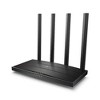
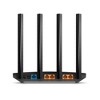
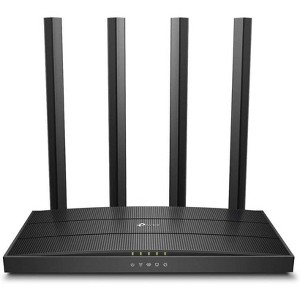
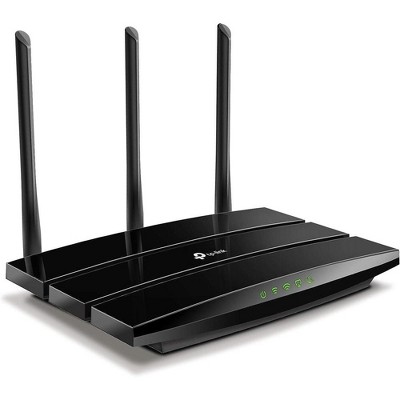
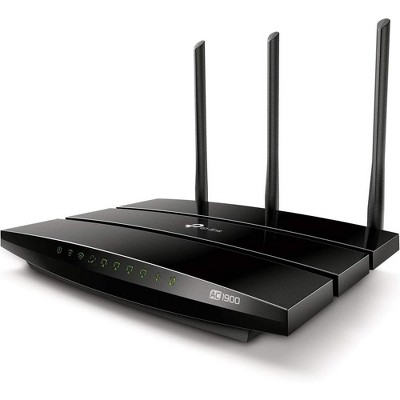
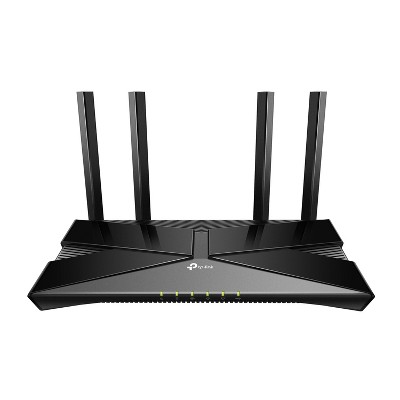
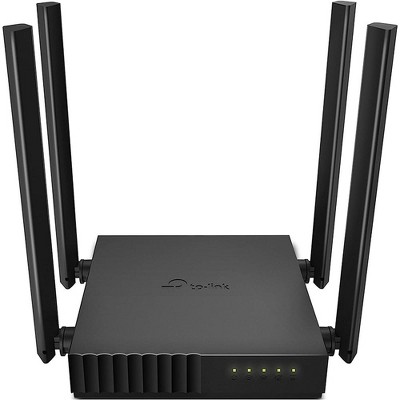
Refurbished: TP-Link AC1900 Wireless MU-MIMO Wi-Fi Router - Dual Band Gigabit Wireless Internet Routers Black Archer C80 - Manufacturer Refurbished
$38.99 reg $48.99
Sale save $10.00 (20% off)
In Stock
Eligible for registries and wish lists
About this item
Additional product information and recommendations
Discover more options
Frequently bought together
Related Categories
2.0 out of 5 stars with 1 reviews
quality: 5 out of 5
value: 5 out of 5
0% would recommend
1 recommendations
2 out of 5 stars
Thumbs down graphic, would not recommend
18 August, 2025Verified purchase
No
Item did not work for me unable to contant to the Internet
1 reply from TPLinkSupport team - 5 months ago
Hi New York Chic, Thank you for your review. If you're having trouble connecting to the Internet after setting up the router, your modem's MAC (Media Access Control) binding may need to be released and renewed so it can provide an IP address (and Internet) to the Router. This can typically be done using the following steps: 1. Unplug the power from both your router and cable modem 2. Unplug the coax cable from the modem 3. Re-connect power ONLY to your cable modem 4. Wait until the cable modem is fully booted, then re-connect coax 5. Re-connect power to the router and connect it to the modem via Ethernet This process should release and renew the MAC binding, so your modem can provide connectivity to the router. If you'd like assistance with any of these steps, please reach out to our support team using any of the resources included with the product, or from our official website, and we'll gladly have a Support Agent follow up with you directly. Thank you, TP-Link Systems Support