


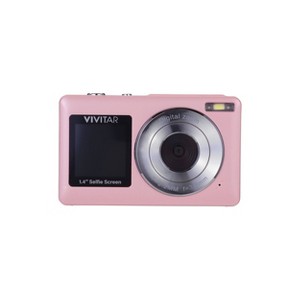
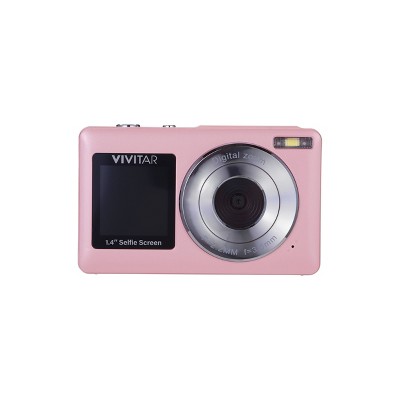
Vivitar SnapShot Duo Digital Camera - Petal Pink
$34.99
ColorPetal Pink



In Stock
Eligible for registries and wish lists
About this item
Additional product information and recommendations
Discover more options
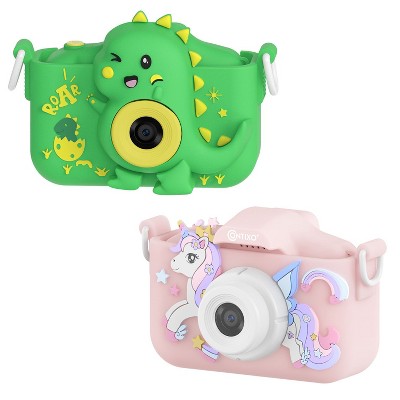
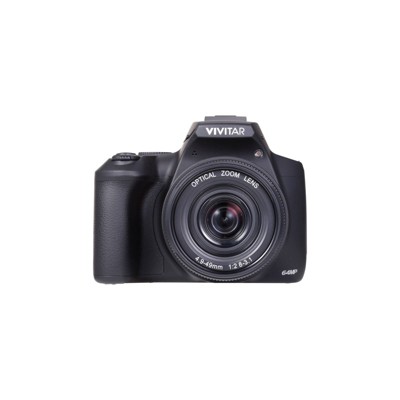
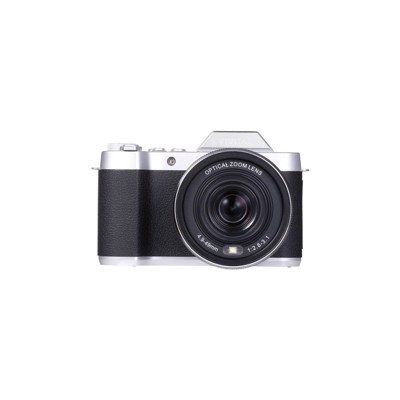
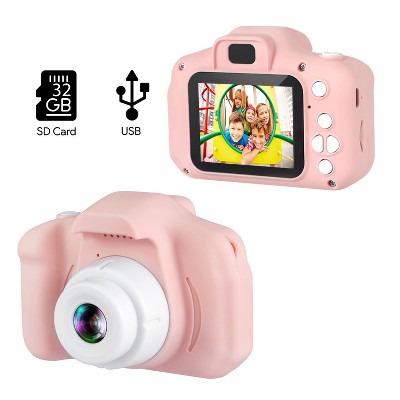
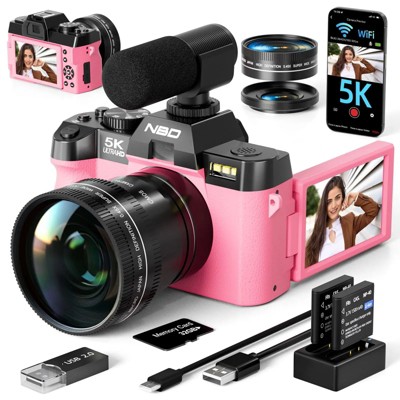
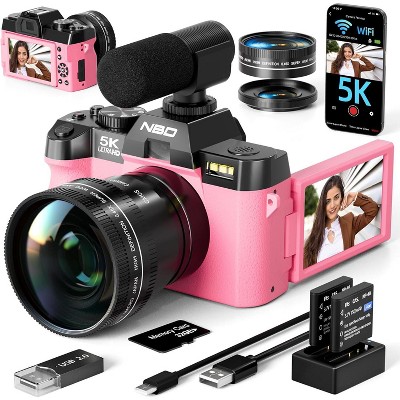
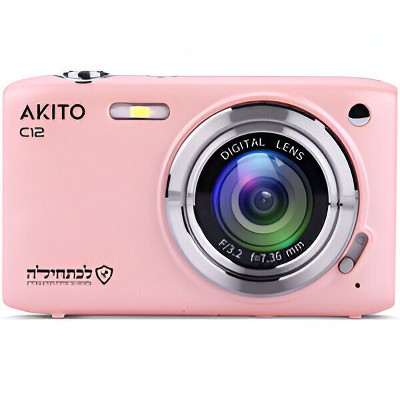
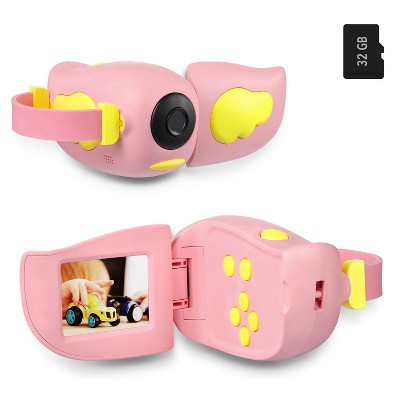
Frequently bought together
- $12.14
- $10.49reg $13.99 Sale




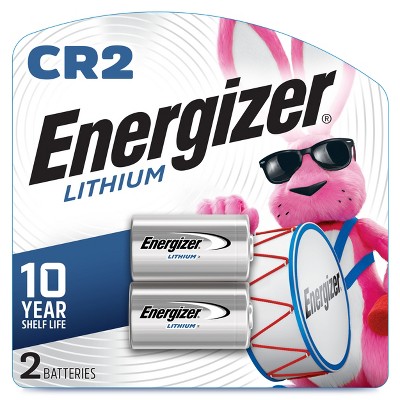
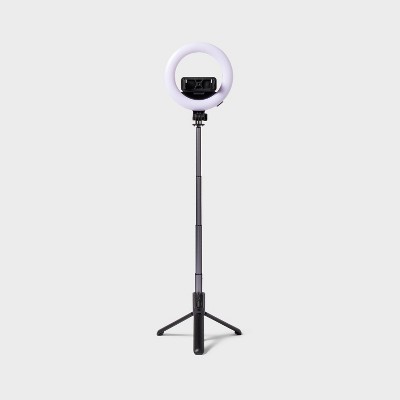
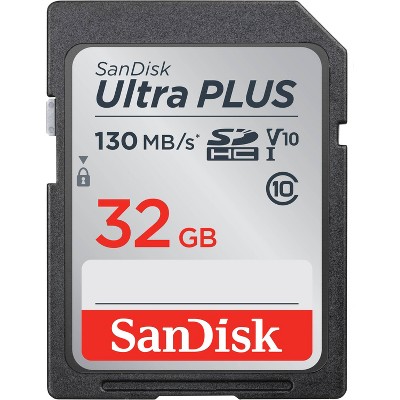

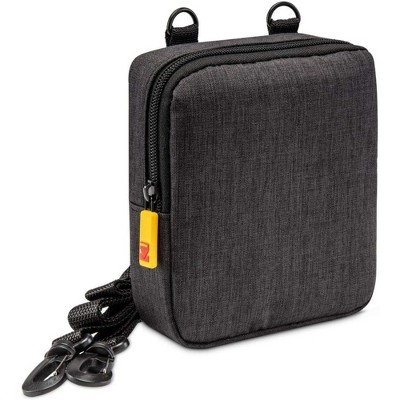
Guests also viewed
- $149.99reg $199.99 Sale
- $149.95reg $169.99 Sale5 out of 5 stars with 1 ratings
- $39.99reg $49.99 Sale
Related Categories
3.9 out of 5 stars with 173 reviews
quality: 2.45 out of 5
value: 2.97 out of 5
24% would recommend
37 recommendations
1 out of 5 stars
Thumbs down graphic, would not recommend
19 April, 2026Verified purchase
Day 2 and broken
Day 2 and this camera is already frozen. Screen is black and says "Vivitar" and the camera is not shutting of or doing anything.
1 out of 5 stars
Thumbs down graphic, would not recommend
6 April, 2026
(no review title)
Never came with as card and pretty bad quality
1 reply from Vivitar Customer Service team - 16 days ago
"Hi, Thanks for reaching out. We're sorry to know that you haven't received a sd card. Please reach out to us at 1800-5929-541 or support@vivitar.com quoting ticket number 348855. We will try and help you fix the issue. Thank you."
5 out of 5 stars
Thumbs up graphic, would recommend
1 April, 2026Verified purchase
Amazing
I love this camera and definitely recommend!!!
1 reply from Vivitar Customer Service team - 18 days ago
"Hi, we're delighted to know that you're having a positive experience with our product! We sincerely hope that your enjoyment persists. Please reach out to us at 18005929541 or support@sakar.com, quoting ticket number 62904. if you have any more suggestions/feedback for us. Thank you."
2 out of 5 stars
Thumbs down graphic, would not recommend
30 March, 2026
(no review title)
it takes decent photos but it sucks when importing and it will literally just delete all your photos
1 out of 5 stars
Thumbs down graphic, would not recommend
20 March, 2026Verified purchase
(no review title)
This camera does not work at all. Do not purchase this. Hopefully target takes it back. Waste of money.
1 reply from Vivitar Customer Service team - 29 days ago
"Hi, Thanks for reaching out. We're sorry to know that the camera is not working. Please reach out to us at 1800-5929-541 or support@vivitar.com, quoting ticket number 348834. We will try to help you fix the issue. Thank you."
1 out of 5 stars
Thumbs down graphic, would not recommend
15 March, 2026
do not recommend
took photos at my friends dinner and they were all gone when i got home. very upset, did my research too late and apparently this happened to many others so it's the cameras fault.
1 out of 5 stars
Thumbs down graphic, would not recommend
13 March, 2026Verified purchase
NO!
Do not buy! Save your $. I bought this camera for my 6th grade daughter to take to camp. In one use, the screen is already messed up.
1 reply from Vivitar Customer Service team - 1 month ago
"Hi, Thanks for reaching out. We're sorry to know that the unit is not working as expected. Please reach out to us at 1800-5929-541 or support@vivitar.com quoting ticket number 348804. We will try and help you fix the issue. Thank you."
3 out of 5 stars
13 March, 2026Verified purchase
(no review title)
Did not come with micro sd
1 reply from Vivitar Customer Service team - 1 month ago
"Hi, Thanks for reaching us. We're sorry to know that you are missing a sd card. Please reach out to us at 1800-5929-541 or support@vivitar.com quoting ticket number 62862. We will try to help you fix the issue. Thank you."
5 out of 5 stars
2 March, 2026
originally posted on Sakar International, Inc.

Absolutely love this camera! Makes
[This review was collected as part of a promotion.] Absolutely love this camera! Makes a great gift. Easy to use and good quality.
5 out of 5 stars
1 March, 2026
originally posted on Sakar International, Inc.
Love how light this camera
[This review was collected as part of a promotion.] Love how light this camera is. I do hour long sessions and my hand doesn’t get tired holding this camera. I wish the battery would last a little longer. The color is so cute and really pops!
1 out of 5 stars
23 February, 2026
(no review title)
Horrible quality
1 reply from Vivitar Customer Service team - 2 months ago
"Hi, Thanks for reaching out. We're sorry to know that the unit is not working as expected. Please reach out to us at 1800-5929-541 or support@vivitar.com quoting ticket number 348780. We will try and help you fix the issue. Thank you."
5 out of 5 stars
Thumbs up graphic, would recommend
15 February, 2026Verified purchase
(no review title)
Solid value for a small Camera, takes better quality photos than my iPhone and has a pretty good zoom, easy to transfer photos to computer or laptop
1 reply from Vivitar Customer Service team - 2 months ago
Hi, It's wonderful to hear that you are enjoying our product. We're thrilled to have such positive feedback.! We sincerely hope that your enjoyment persists. Please reach out to us at 1800-5929-541 or support@vivitar.com, ticket number 62795. If you have more suggestions.
3 out of 5 stars
Thumbs down graphic, would not recommend
15 February, 2026Verified purchase
(no review title)
the sound if bad cant up the volume
1 reply from Vivitar Customer Service team - 2 months ago
"Hi, Thanks for reaching out. We're sorry to know that the unit is not working as expected. Please reach out to us at 1800-5929-541 or support@vivitar.com quoting ticket number 62793. We will try and help you fix the issue. Thank you."
3 out of 5 stars
Thumbs down graphic, would not recommend
8 February, 2026Verified purchase
Poor battery life
I bought for my granddaughter and she loves this camera. She loves the dual camera screens. The menus can be cumbersome and the battery life is horrendous. After twenty minutes or so of use she is unable to take photos. I was going to purchase a second one for my other granddaughter but will now be looking for other options.
1 reply from Vivitar Customer Service team - 2 months ago
"Hi, Thanks for reaching out. We're sorry to know that the unit is not working as expected. Please reach out to us at 1800-5929-541 or support@vivitar.com quoting ticket number 348749. We will try and help you fix the issue. Thank you."
5 out of 5 stars
4 February, 2026
originally posted on Sakar International, Inc.
Easy to use, cute little
[This review was collected as part of a promotion.] Easy to use, cute little camera. Pictures turned out great and it was so easy to connect to my computer and get them where I could share them. Love this.
5 out of 5 stars
24 January, 2026
originally posted on Sakar International, Inc.
Compact Power
[This review was collected as part of a promotion.] Great compact power in an easy to use camera. Fast shutter reaction time, high megapixel count, and plenty of battery life to last a whole night plus more.
5 out of 5 stars
23 January, 2026
originally posted on Sakar International, Inc.
Great little camera. It's nice
[This review was collected as part of a promotion.] Great little camera. It's nice and easy to use, convenient to carry around and safe for kids to use
5 out of 5 stars
23 January, 2026
originally posted on Sakar International, Inc.
Great starter or teenager camera.
[This review was collected as part of a promotion.] Great starter or teenager camera. Super easy to set up and user. Functions are simple but make photos great. Screen is decent size and very clear.
5 out of 5 stars
21 January, 2026
originally posted on Sakar International, Inc.
I love this camera! It’s
[This review was collected as part of a promotion.] I love this camera! It’s so easy to use and understand but still produces pictures of great quality. I would say this camera has the same quality as much higher priced cameras. The photo as aren’t grainy and it comes with so many cool features.
5 out of 5 stars
20 January, 2026
originally posted on Sakar International, Inc.
Great
[This review was collected as part of a promotion.] Great sized camera. It has zoom and a self timer which was super helpful in taking group pictures and solo pictures. Perfect for trips.