Sponsored
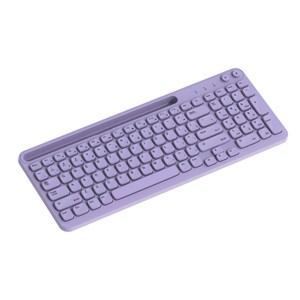
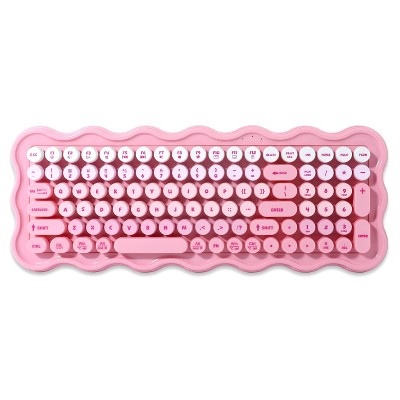
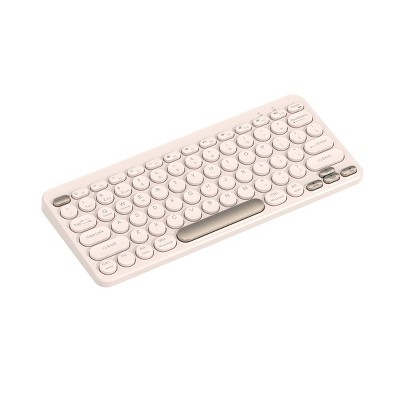
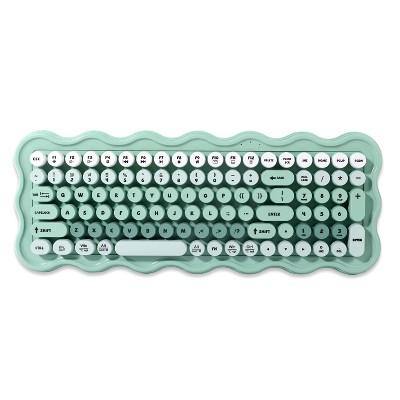
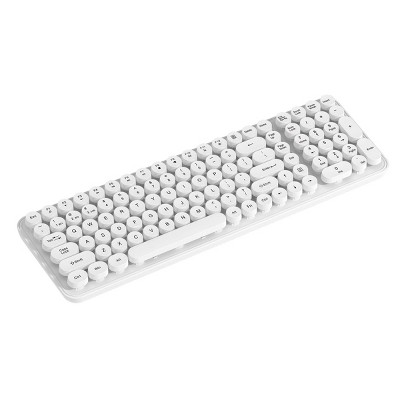
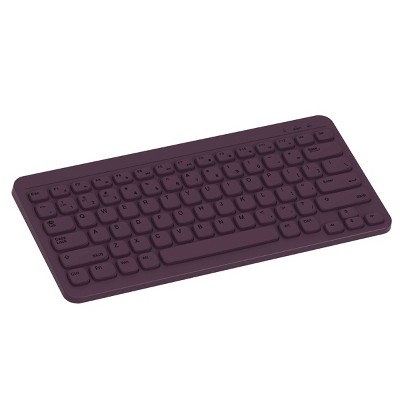
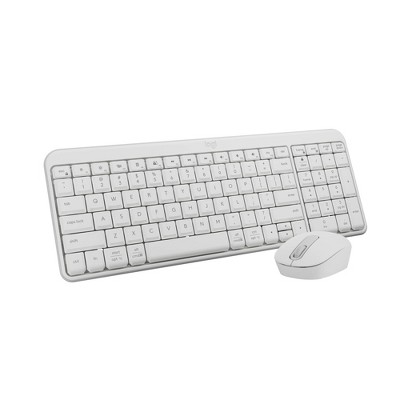
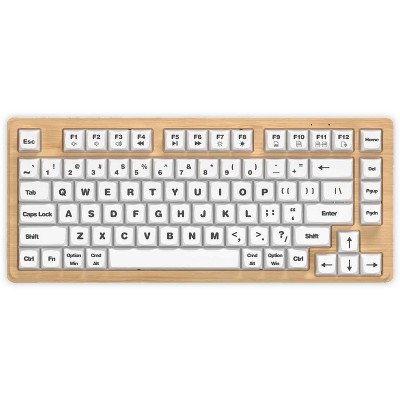
North Full Size Wireless Keyboard with Built-in Phone/Tablet Stand - Lavender
In Stock
Sponsored
About this item
Highlights
- Dual wireless connection modes: 2.4GHz & wireless pairing
- Low profile, rounded square keys for smooth keystrokes
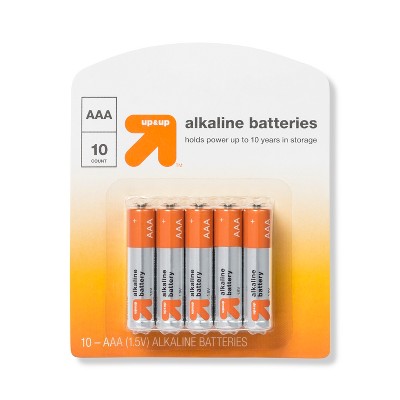
- AAA battery powered (not included)
- Full size keyboard with number pad and phone holder
Description
Shipping details
Return details
Q: Hi! How do you switch the power on? The instructions say to switch the power on but I don’t see an on button.
A: There is no power button on the back, side or underneath.
submitted byLF - 3 months agoA: Hi, thanks for reaching out about the North Full Size Wireless Keyboard with Built-in Phone/Tablet Stand - Lavender: Backlit, Membrane Switch, Radio Frequency Look for a slider switch. On the back or side of the keyboard, there will be a small slider switch If you have any additional questions, we welcome you to contact MyTGTtech at 833-848-8324 every day between 7 am and 11 pm CST.
submitted byRena - 4 months agoTarget expert support
Q: How do you turn on the backlight?
A: I honestly don't think this is backlit. I purchased this in store and don't remember the box advertising that it's backlit, and there's no option that I found that makes it backlit.
submitted bysummerrain - 4 months agoA: Hi, thank you for reaching out about North Full Size Wireless Keyboard with Built-in Phone/Tablet Stand - Lavender: Backlit, Membrane Switch, Radio Frequency. To enable the backlight on the North Full Size Wireless Keyboard with built-in phone/tablet stand, you typically need to press a specific key combination, which is usually the "Fn" key along with one of the function keys (F1-F12), or potentially a dedicated backlight key. If you have any additional questions, we welcome you to contact MyTGTtech at 833-848-8324 every day, between 7am-11pm CST.
submitted byMatt - 5 months agoTarget expert support
Q: Will this keyboard connect to a desktop with Bluetooth or is this just for table/phone?
A: Hi, thanks for reaching out about the North Full Size Wireless Keyboard with Built-in Phone/Tablet Stand - Lavender Yes, this keyboard will connect to a desktop computer, but there is an important detail about how it connects depending on your specific setup. If you have any additional questions, we welcome you to contact MyTGTtech at 833-848-8324 every day between 7 am and 11 pm CST.
submitted byRena - 4 days agoTarget expert support
Q: Are the key caps removal for changing out with new decor caps?
A: Hi, thanks for reaching out about North Full Size Wireless Keyboard with Built-in Phone/Tablet Stand - Lavender No, the keycaps on the North Full Size Wireless Keyboard are not intended to be removed or swapped for custom decor caps. This is because this specific keyboard uses a membrane switch system rather than a mechanical one. In membrane keyboards, the keys are typically part of a specific plastic frame and don't use the standard "cross-shaped" (+ ) stems found on mechanical keyboards. If you have any additional questions, we welcome you to contact MyTGTtech at 833-848-8324 every day, between 7am-11pm CST.
submitted byMike - 6 days agoTarget expert support
Q: Is there a command for print screen on this model?
A: Hi, thanks for reaching out about North Full Size Wireless Keyboard with Built-in Phone/Tablet Stand - Lavender: Non-Backlit, Membrane Switch, Radio Frequency To better understand your individual needs, we welcome you to contact MyTGTtech at 833-848-8324 every day, between 7am-11pm CST.
submitted byMike - 1 month agoTarget expert support
Q: How can I connect this via Bluetooth. The usb connector doesn’t work and my computer keeps saying connection failure. Please help I literally just bought this. There is no on switch on the keyboard.
A: Hi, thanks for reaching out about the North Full Size Wireless Keyboard with Built-in Phone/Tablet Stand - Lavender: Non-Backlit, Membrane Switch, Radio Frequency Put the Keyboard in Pairing Mode Turn Power On: Slide the power switch (usually on the back or side) to the ON or BT position. Activate Pairing: Press and hold the dedicated Bluetooth pairing key. Common Key Combination: Try holding down Fn + 1 (or Fn + 2, or Fn + C) for 3–5 seconds. Indicator Light: The Caps Lock light or a dedicated Bluetooth indicator light will start flashing quickly (usually blue) to show it is searching for a device. If you have any additional questions, we welcome you to contact MyTGTtech at 833-848-8324 every day between 7 am and 11 pm CST.
submitted byRena - 1 month agoTarget expert support
Q: Does this connect by USB as well?? I need one that can do wireless or USB
A: Hi, thank you for reaching out about North Full Size Wireless Keyboard with Built-in Phone/Tablet Stand - Lavender: Non-Backlit, Membrane Switch, Radio Frequency. No, the North Full Size Wireless Keyboard - Lavender does not connect via a USB cable for a wired connection. If you have any additional questions, we welcome you to contact MyTGTtech at 833-848-8324 every day, between 7am-11pm CST.
submitted byMatt - 2 months agoTarget expert support
Q: is this blue tooth compatable.
A: Hi, thanks for reaching out about North Full Size Wireless Keyboard with Built-in Phone/Tablet Stand - Lavender: Non-Backlit, Membrane Switch, Radio Frequency. Yes, the North Full Size Wireless Keyboard with a built-in phone/tablet stand is Bluetooth compatible. If you have any additional questions, we welcome you to contact MyTGTtech at 833-848-8324 every day, between 7am-11pm CST.
submitted byJoe - 3 months agoTarget staff support
Q: Would this work on a newer iPad?
A: Hi, thanks for reaching out about the North Full Size Wireless Keyboard with Built-in Phone/Tablet Stand - Lavender: Backlit, Membrane Switch, Radio Frequency If the keyboard has a Bluetooth connection mode, it will work seamlessly with a newer iPad. If it only uses a USB receiver (radio frequency), it is highly unlikely to work wirelessly. If you have any additional questions, we welcome you to contact MyTGTtech at 833-848-8324 every day between 7 am and 11 pm CST.
submitted byRena - 4 months agoTarget expert support
Q: Will it fit samsung galaxy a9+ tablet
A: Hi, thank you for reaching out about North Full Size Wireless Keyboard with Built-in Phone/Tablet Stand - Lavender: Backlit, Membrane Switch, Radio Frequency. It is highly probable that the Samsung Galaxy Tab A9 tablet will fit the built-in stand on the North Full Size Wireless Keyboard with Built-in Phone/Tablet Stand - Lavender. If you have any additional questions, we welcome you to contact MyTGTtech at 833-848-8324 every day, between 7am-11pm CST.
submitted byMatt - 5 months agoTarget expert support
Frequently bought together