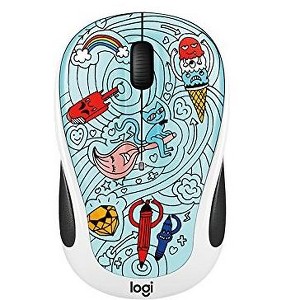
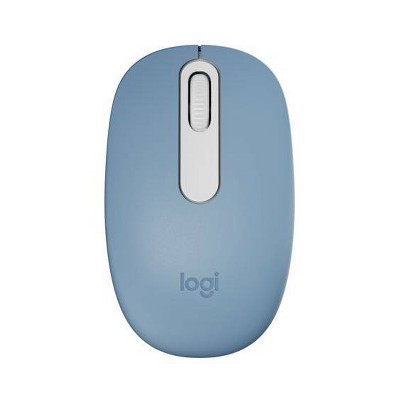
Logitech M325C Wireless Mouse-BAE-BEE Blue
$15.99 reg $24.99
Sale save $9.00 (36% off)
colorbae bee blue
In Stock

Free & easy returns
Return this item by mail or in store within 30 days for a full refund.
Sold & shipped by KIDS VOICE TOYS
Eligible for registries and wish lists
About this item
Additional product information and recommendations
Discover more options
- $14.99reg $19.99 Sale4.4 out of 5 stars with 30 ratings
- $16.99 - $17.99reg $28.99 Sale

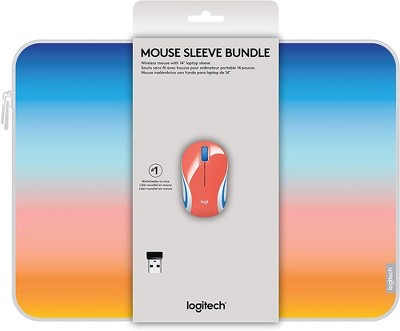
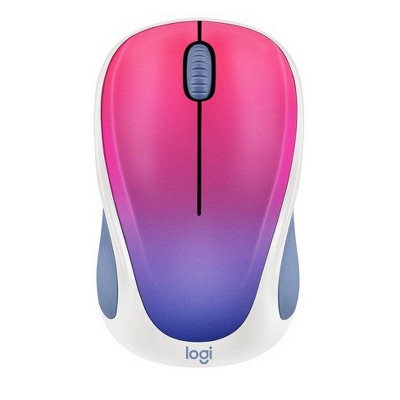

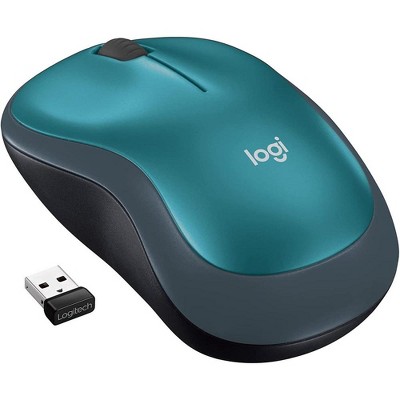
Frequently bought together
- $35.99 - $38.99

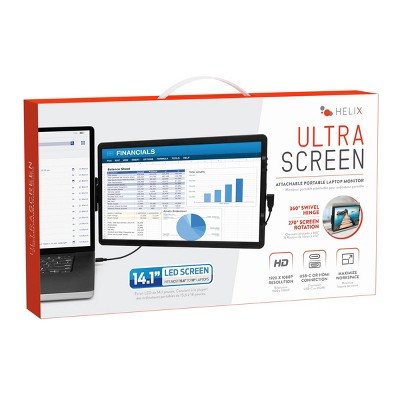
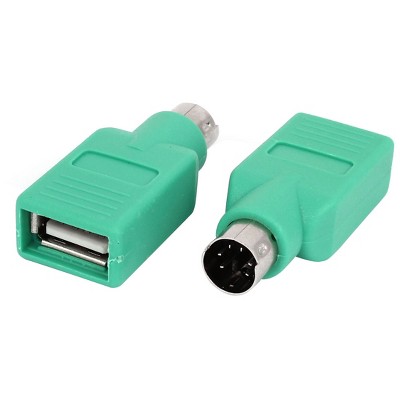
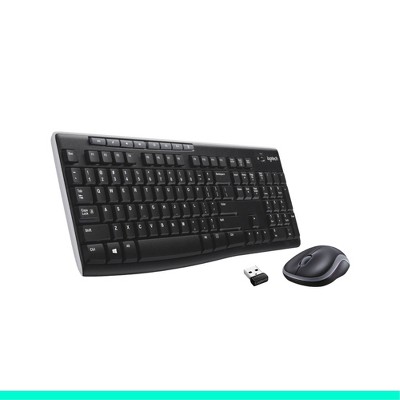
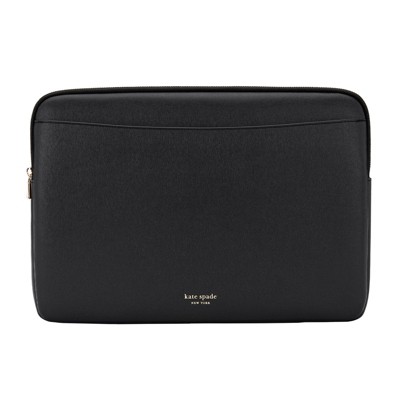

Guests also viewed
- $14.99reg $19.99 Sale4.4 out of 5 stars with 30 ratings
- $16.99 - $17.99reg $28.99 Sale
- $15.99reg $29.99 Sale1.8 out of 5 stars with 5 ratings
- $17.99 - $21.99reg $29.99 Sale5 out of 5 stars with 1 ratings
- $24.99reg $36.99 Sale


Related Categories
4.2 out of 5 stars with 40 reviews
quality: 3.64 out of 5
value: 3.82 out of 5
54% would recommend
11 recommendations
2 out of 5 stars
Thumbs down graphic, would not recommend
23 February, 2026Verified purchase
Cute buy didnt last
Very cute for a beginner. The mouse only lasted 4 months. We changed the battery thinking it needed a new one and it just stopped working.
5 out of 5 stars
6 February, 2026Verified purchase
(no review title)
Love it!
1 out of 5 stars
Thumbs down graphic, would not recommend
9 December, 2025Verified purchase
Beware
This is the second mouse I have gotten by Logitech and it is worthless almost. The battery, for whatever reason in both does not stay in play. Therefore, I have to take the back off to push (gently) down for the battery to connect. Not sure what the issue is being that it has been 2 of them but in search of a different brand.
5 out of 5 stars
Thumbs up graphic, would recommend
27 August, 2025
Cute and functional
Great little mouse, fun patterns too. Own several and been using them for years, heavy computing activity, no gaming. Just change battery when it starts skipping, maybe 1x every couple years.
5 out of 5 stars
24 June, 2025Verified purchase
FOOD
GOOD, I really like the 3 scoop design, its deep pink
1 out of 5 stars
Thumbs down graphic, would not recommend
23 June, 2025Verified purchase
Elbee
I was sent the wrong item. Bummed out bc now I have to return the wrongnone and rebuy the right one. Totally preventable error.
5 out of 5 stars
Thumbs up graphic, would recommend
13 February, 2025Verified purchase
Small but works great
I bought it for my son and he says it is a little small but it works smoothly and He likes the design so 10/10
4 out of 5 stars
Thumbs up graphic, would recommend
29 March, 2024Verified purchase
Mouse
Good. A little on the smaller side which for me is good.
5 out of 5 stars
Thumbs up graphic, would recommend
26 December, 2023Verified purchase
Pow
I bought the Logitech Wireless Mouse for my son to go with his new laptop. He said it was a bit small but otherwise works pretty well.
5 out of 5 stars
Thumbs up graphic, would recommend
20 December, 2023Verified purchase
Fun item
Cute and works great.
3 out of 5 stars
Thumbs down graphic, would not recommend
9 November, 2023
It's ok
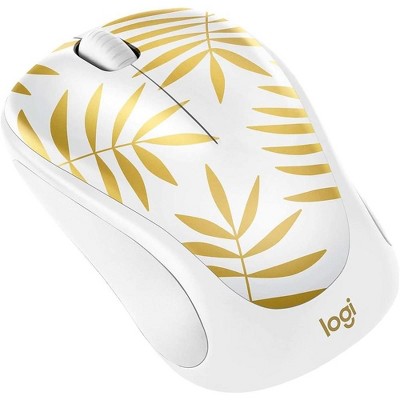
This mouse is super pretty (got the golden garden design), and might be ok for light use, but it's definitely not for everyday or gaming. After a couple months of use the right mouse button now constantly double clicks when I have only clicked once, and won't hold when I drag and hold. This keeps happening with logitech mice that I've gotten the last couple years, so I think quality in general has just gone down and I need to try a different company. Pretty sad because logitech used to always be my go-to when I needed a new mouse.
5 out of 5 stars
Thumbs up graphic, would recommend
12 September, 2023Verified purchase
Great Mouse!
Bought for my 2nd grader for school. She picked it out and loves the design. Works well and there is an on/off switch to conserve the battery life.
2 out of 5 stars
Thumbs down graphic, would not recommend
18 July, 2023Verified purchase
Missing unification
Mouse didn’t connect a unifying receiver connected to my keyboard.