Target
TV STands| TV Screen Size | Suggested TV Stand Width |
|---|---|
| up to 40" | up to 40" long |
| 40" - 50" | up to 40" - 50" long |
| 50" - 60" | up to 50" - 60" long |
| 60" - 70" | up to 60" - 70" long |
All Sizes in Inches Unless Otherwise Stated
Sponsored
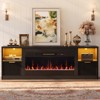
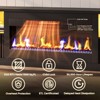
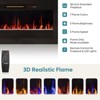
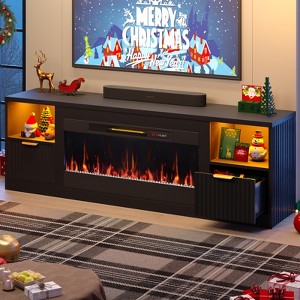
In Stock
Sponsored
Target
TV STands| TV Screen Size | Suggested TV Stand Width |
|---|---|
| up to 40" | up to 40" long |
| 40" - 50" | up to 40" - 50" long |
| 50" - 60" | up to 50" - 60" long |
| 60" - 70" | up to 60" - 70" long |
All Sizes in Inches Unless Otherwise Stated
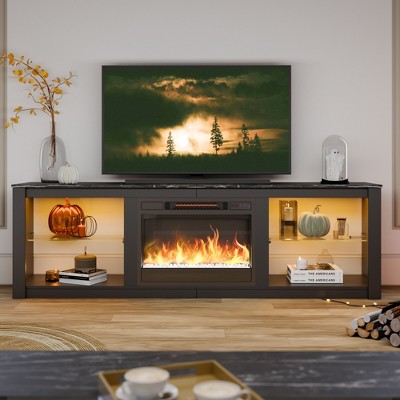
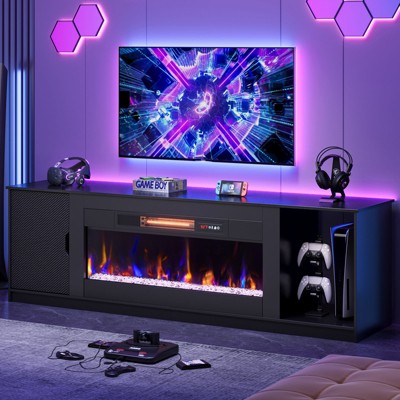
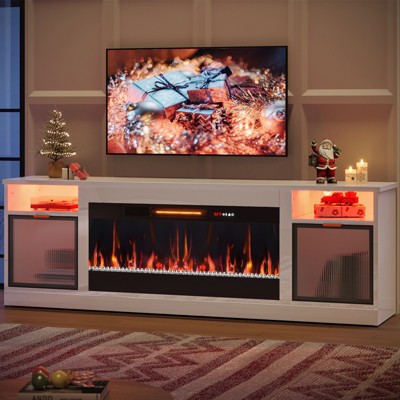
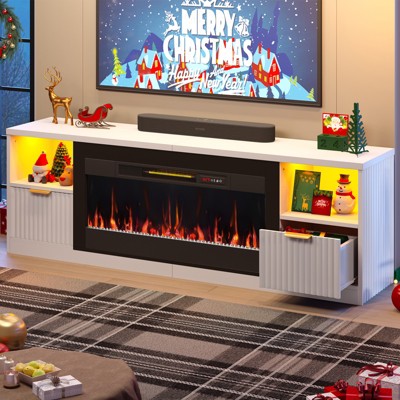
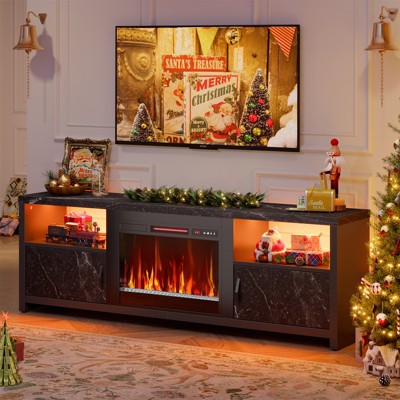
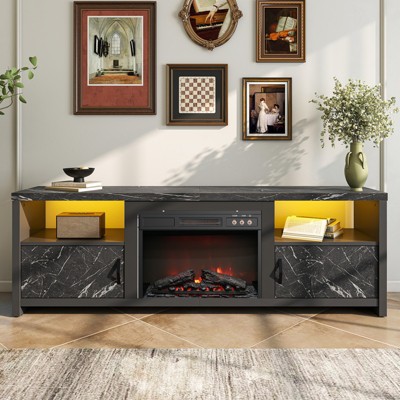
A: Thank you for reaching out, and we’re sorry to hear that your 36-inch electric fireplace TV stand isn’t turning on. Here are a few quick steps to try: Check the Power Connection – Ensure the fireplace plug is firmly connected to the outlet inside the 71-inch high-gloss TV console and that the wall outlet has power. Confirm the Power Switch – Some fireplaces have a master switch located on the unit—please make sure it is turned on. Try Another Outlet – Plug the fireplace into a different wall outlet to rule out a power issue. Remote & Buttons – Check if the fireplace responds to both the remote control and the manual buttons on the unit. Reset the Safety Sensor – If the fireplace overheats during transit, the safety shutoff may activate. Unplug it for 10–15 minutes, then plug it back in to reset. If it still won’t power on, please contact us with your order details. We will be happy to assist with replacement parts or other solutions. You can always reach us at service@bestier.net —we’re here to help and ensure your LED fireplace TV stand works perfectly for you!