Sponsored


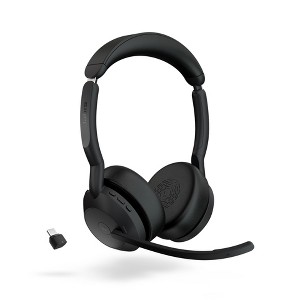
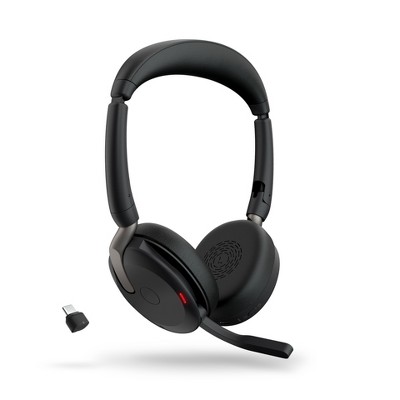
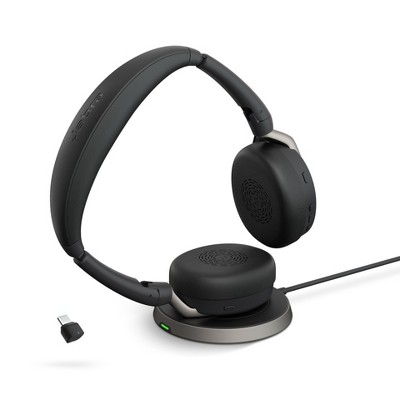
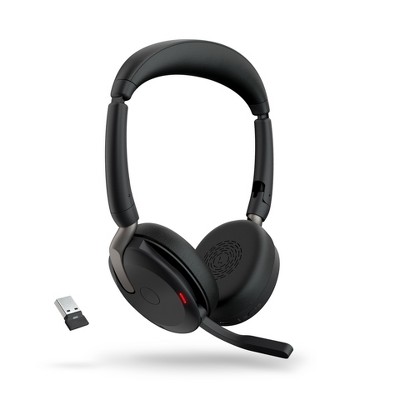
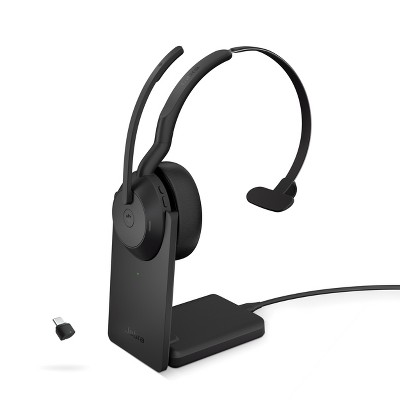
Jabra Evolve2 55 - Link390c UC Stereo
In Stock
At a glance
Sponsored
About this item
Highlights
- Jabra is a global brand with a serious passion for sound.
- Jabra products are packed with intuitive features to make life sound better.
Description
Shipping details
Return details
Q: How does muting work ?
A: Hi, thanks for reaching out about Jabra Evolve2 55 - Link390c UC Stereo. That's a great feature to understand on the Jabra Evolve2 55, as it offers a highly intuitive way to mute. The Jabra Evolve2 55 provides two primary ways to mute the microphone: 1. Mute by Moving the Boom Arm (Lift-to-Mute) This is the most popular and easiest method on Jabra Evolve headsets and is enabled by default: To Mute: Simply raise the microphone boom arm up toward the headband until it clicks into the vertical position. To Unmute: Pull the microphone boom arm back down and position it near your mouth. When you mute the headset this way, you will typically hear a voice prompt in the headset confirming "Muted," and the Busylight (the indicator light on the earcups) will often turn red to visually alert others (and yourself) that you are muted. 2. Mute by Pressing a Button The headset also features a physical control for muting: To Mute/Unmute: Press the dedicated Play/pause button (located on the right earcup) while you are on a call. If you have any additional questions, we welcome you to contact MyTGTtech at 833-848-8324 every day, between 7am-11pm CST.
submitted byJoe - 21 days agoTarget staff support
Frequently bought together





Guests also viewed
Discover more options