Sponsored



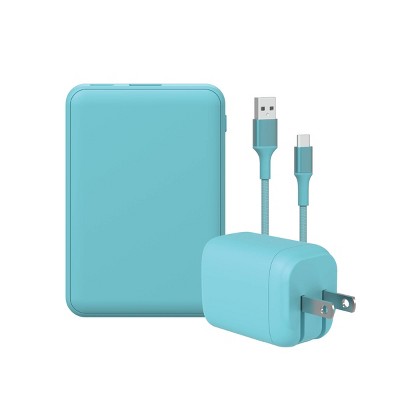
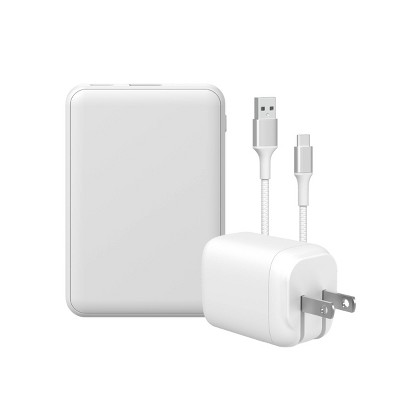
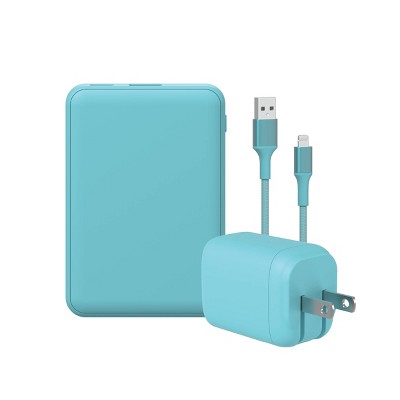
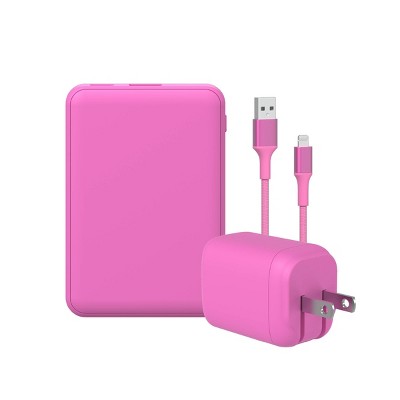
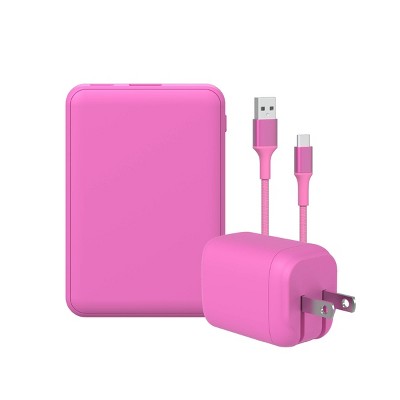
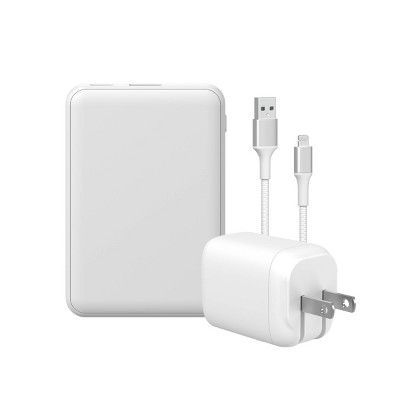
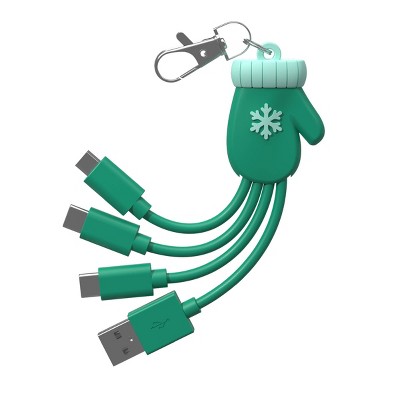
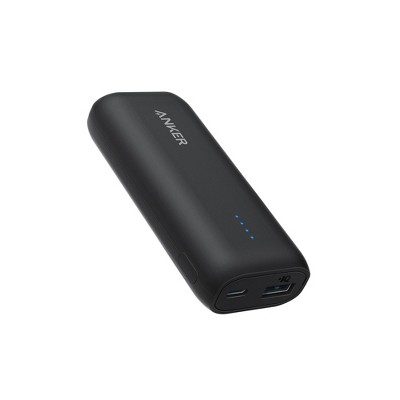
GEMS Figural Power Bank
In Stock
Sponsored
About this item
Highlights
- 2,000mAh portable battery capacity
- 10.5W USB-A output charging
- USB-C input charging, cable included
- Durable PVC figural design
- Compact size for easy carrying
Description
Shipping details
Return details
Q: How do I turn it on? I plugged in my charger and phone and it doesn’t charge
A: Hi, thanks for reaching out about GEMS Figural Power Bank To turn on your GEMS Figural Power Bank, you usually need to press a small, often hidden power button. Because these are "figural" (shaped like characters or objects), the button is sometimes tucked into a seam or near the charging ports. Look for a tiny circular or square button on the base or side of the figure, near the USB ports. The Press: Give it a firm single press. You should see an LED light (usually blue) turn on or start flashing. If you have any additional questions, we welcome you to contact MyTGTtech at 833-848-8324 every day, between 7am-11pm CST.
submitted byMike - 4 days agoTarget expert support
Q: Is this compatible with an ipad, 8th generation?
A: Hi, thanks for reaching out about GEMS Figural Power Bank With a compatible charging cable, this power bank can be used to charge the device. If you have any additional questions, we welcome you to contact MyTGTtech at 833-848-8324 every day, between 7am-11pm CST.
submitted byJustin - 1 month agoTarget expert support
Frequently bought together



Guests also viewed



Discover more options