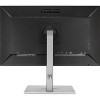

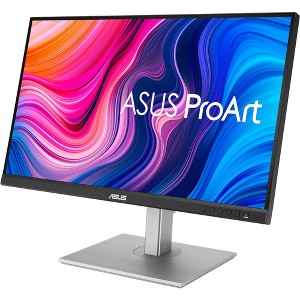
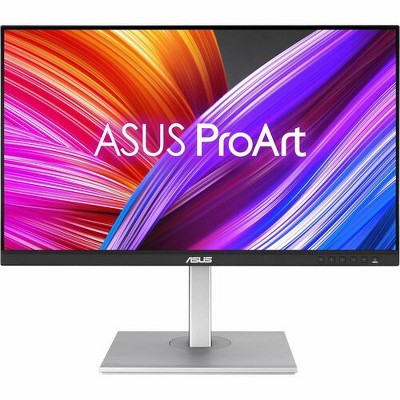
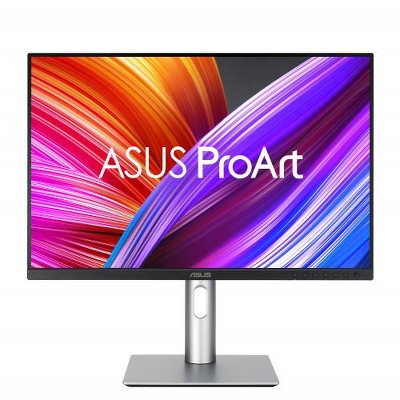
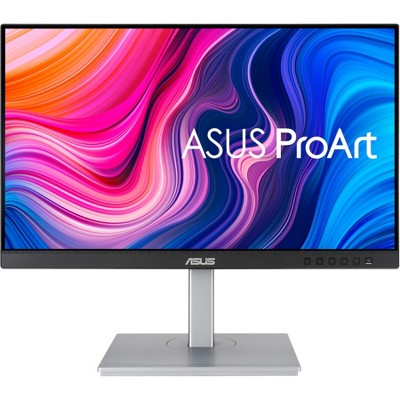
ASUS ProArt Display 27" 75Hz 1440P Monitor 350 Nits - 27" Class - In-plane Switching (IPS) Technology - 2560 x 1440 - 16.7 Million Colors
$331.99
In Stock
Eligible for registries and wish lists
About this item
Additional product information and recommendations
Discover more options

Frequently bought together

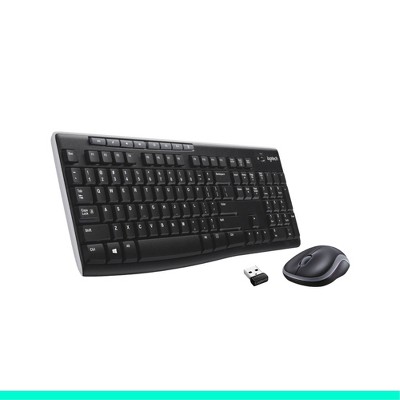
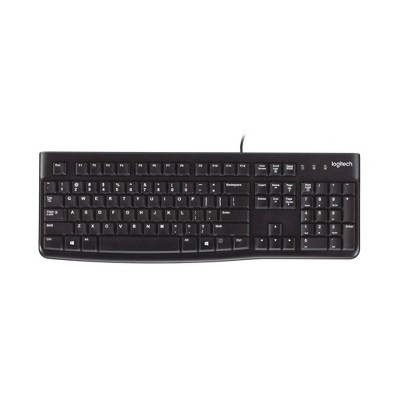
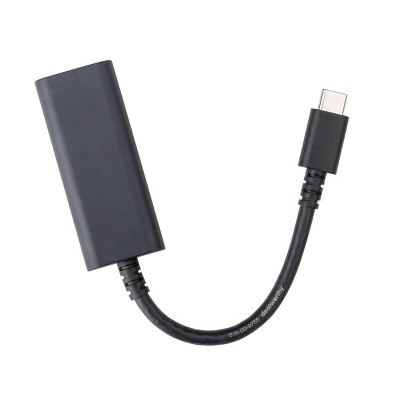

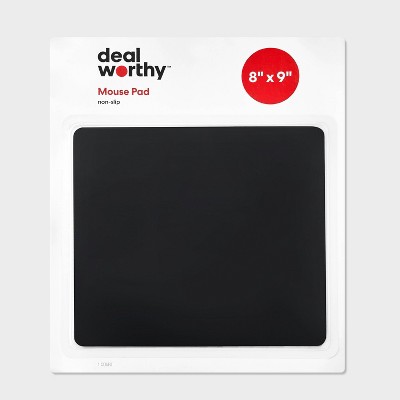
Related Categories
Guests also viewed
Highly rated
$249.99
reg $299.99 Sale
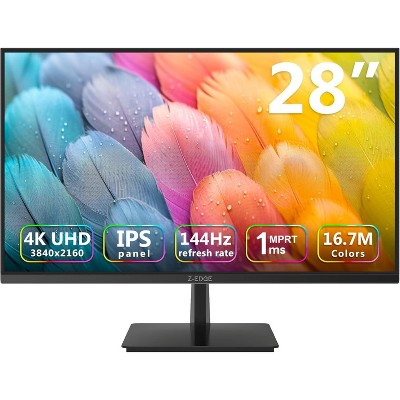
Z-EDGE U28I4K 28" 144Hz 4K IPS Monitor, Ultra HD (3840x2160) IPS Gaming Monitor, FreeSync Technology
5 out of 5 stars with 99 ratings
Guests are saying
Guests are highly satisfied with this monitor, praising its vibrant colors, sharp image quality, and easy setup. Many appreciate the monitor's excellent color accuracy, making it ideal for design and artwork. The USB-C connectivity is a standout feature, enhancing usability for various devices. While some guests noted minor issues with USB ports and user interface clarity, the overall performance and value of the monitor are well-regarded, making it a strong choice for creative professionals.
Summary created by AI from text of reviews reflecting recent feedback provided across different star ratings (includes incentivized reviews)
4.6 out of 5 stars with 31 reviews
3 out of 5 stars
26 June, 2025
originally posted on https://www.asus.com

Documentation is non-existent.
Display seems to work well but the lack of documentation is a problem. I mean the documentation is nowhere to be found. It is not in the box and not on the website. A real disappointment.
1 reply from CLM team - 7 months ago
Dear Nodocs, Thank you for your feedback. We do understand your disappointment and the inconvenience this may have caused if you did not find any documentation in the packae for this monitor. You can download the User's Guide from our Product Support page at: https://www.asus.com/us/displays-desktops/monitors/proart/proart-display-pa278cv/helpdesk_manual?model2Name=ProArt-Display-PA278CV . Should you need further assistance with the product, please email me at cl-rodel@asus.com and I would be more than happy to help. Or, you are most welcome to call Product Support Hotline at: 1(888) 678-3688. Also, you can chat with an ASUS live support agent from the link: https://www.asus.com/us/support/article/1135/. Thank you for choosing an ASUS product. Regards, Rodel ASUS Customer Loyalty
4 out of 5 stars
13 December, 2024
originally posted on https://www.asus.com
Yin/Yang PA278CV
The ProArt Display PA278CV physical display is nothing less than 5 star and beyond. The software for it was 'nasty' to obtain, and even worse to install. I am still not sure how to use it, although I am 'limping' in the use of Chroma Tune.
3 out of 5 stars
5 December, 2024
originally posted on ASUS.com

Monitor is nothing less than fantastic.
It was quite difficult to get the driver and the user guide on line for download. I finally got these, but at a big time and effort cost.
1 reply from CLM team - 1 year ago
Dear sbuckman48, We regret to learn that you are experiencing issues accessing our drivers and manual. We stand behind our product and continuously strive to improve our approach and processes to achieve customer service excellence. Please click the links below for assistance. Additionally, you can reach out to us via email at customerloyalty@asus.com and provide the link to this review for reference. We’ll do our best to provide a quick resolution to your case. Your feedback is important as it helps us improve ASUS support channels. Please refer to this case number (N2412009821-0001). Thank you for choosing ASUS. Best Regards, Schottky ASUS Customer Loyalty US Support Drivers: https://www.asus.com/displays-desktops/monitors/proart/proart-display-pa278cv/helpdesk_download?model2Name=ProArt-Display-PA278CV User Guide: https://dlcdnets.asus.com/pub/ASUS/LCD%20Monitors/PA278CV/PA278CV_English.pdf?model=PA278CV
5 out of 5 stars
17 July, 2024
originally posted on ASUS.com
PA279CV
So Far, So Good! I'm happy with my purchase! I look forward to having quality color control and calibration.
5 out of 5 stars
25 June, 2024
originally posted on https://www.asus.com
Top recomendation
I did deep research to get the best option for designing and artwork in general, and ASUS was the top recommendation, which did not disappoint me. It is great!
5 out of 5 stars
5 April, 2024
originally posted on https://www.asus.com
ProArt Display PA278CV
Easy setup, sharp picture and colors, very satisfied with purchase
4 out of 5 stars
24 March, 2024
originally posted on https://www.asus.com
2k option. I’d would buy the 32 inch 4k if it were
Best 2k monitor for design. I’d would buy the 32 inch 4k if it were In the budget
5 out of 5 stars
16 February, 2024
originally posted on https://www.asus.com
Excellent monitor
Image is beautiful. Connectivity is great. I like knowing that the image as shown is how the image should look.
5 out of 5 stars
9 December, 2023
originally posted on https://www.asus.com
Color Calibrated Display Without a Big Price Tag
Easy assembly and beautiful colors! My one complaint is that there were no instructions in the box as to how to use it. There are 5 buttons along the bottom but no mention as to their use. Fortunately, the display is fine without any tweaking. After registering I found the manual and downloaded it, but the directions aren't as clear as I wish. We're not all as technically inclined as your engineers.
5 out of 5 stars
28 November, 2023
originally posted on https://www.asus.com
Beautiful Display
Beautiful display! Comparable to my NEC that I paid a bunch more for.
5 out of 5 stars
7 September, 2023
originally posted on https://www.asus.com
Proart 27
I own a asus computer and this is agreat upgrade for it compared to my old display
5 out of 5 stars
14 August, 2023
originally posted on https://www.asus.com
PA278CV
Great monitor. Color is excellent. Nice selection of ports. Like being able to run mouse and keyboard through it.
5 out of 5 stars
7 August, 2023
originally posted on ASUS.com
BEAUTIFUL CRISP CLEAR SCREEN
Love this monitor! So crisp. Love the large screen to work from as it's connected to my laptop for bigger workspace!
4 out of 5 stars
17 April, 2023
originally posted on https://www.asus.com
Great monitor. excellent price. Two ports failed
I upgraded fro the 24” to the 27”. I love the monitor. My only complaint is that only two of the four usb ports are working. Followed a procedure online to remove and reinstall but it didn’t help.
5 out of 5 stars
17 April, 2023
originally posted on https://www.asus.com
The beast
I already know it's worth it which is why i bought it. In two words it's "simply awesome"
4 out of 5 stars
6 April, 2023
originally posted on ASUS.com
Nice monitor for the price
I have had this monitor for six months connected to my laptop by USB-C. It's works great the USB feature was a main selling point why I chose this model. This is the brightest monitor I have ever owned and the colors are excellent. I do wish the USB ports were attached to the stand because it makes it hard to rotate the monitor vertically when I'm editing portraits because the cables are attached to the display. I also wish there was a memory button to switch back and forth between the two settings I use the most.
5 out of 5 stars
23 March, 2023
originally posted on https://www.asus.com
Great monitor
A great monitor, great color accuracy and detail for my photos.
4 out of 5 stars
4 January, 2023
originally posted on https://www.asus.com
Great performance, wealth of customization options
The PA278CV was very well packaged, easy to set up and performed flawlessly right out of the box. I appreciate the several connecting cables that came in the box. The display has many features and settings to fully customize your screen for a variety of content and environmental conditions. The 2K resolution at 27” screen size is sufficient; no visible pixels. I strongly recommend this display. I connected to my MacBook Air (2020 M1) with the USB C cable provided in the box. This cable is fully compatible with the MacBook and syncs well, passes all video and audio content seamlessly. The only issue I have experienced is that the screen doesn’t “wake up” now and then and I have to restart the computer to get everything working properly.
5 out of 5 stars
24 October, 2022
originally posted on https://www.asus.com
A Beautiful Monitor
It's a beautiful monitor and matches the quality of my MacBook Pro X1 perfectly. Hooks up easily and as far as I can tell, the color is perfect. Highly recommended.
5 out of 5 stars
23 May, 2022
originally posted on https://www.asus.com
New monitors
Love my new monitors. Same size as old ones, but the everything is more clearer and colors or more vibrant.